Slender Launcher
What is Slender Launcher:
This is the launcher for open tibia servers. It installs the client in %appdata% so you'll find it at:
Windows:
%appdata%/Slender(C:\Users\{username}\AppData\Roaming\Slender)MacOS:
~/Library/Application Support/SlenderLinux:
~/.config/Slender
It only installs what's in client.json and asset.json and only downloads files that need updating instead of a whole package. This makes it very fast and efficient. It also makes it so the client can receive updates without any risk of overriding user settings.
Note that these files are compatible with CIP's package.json and assets.json. If you're repacking a CIP client, you can use the same files, just rename package.json to client.json. We renamed it to avoid confusion with the node's package.json (used elsewhere in the app).
The launcher itself also updates automatically, so you don't have to worry about it. All you need is to have the URL serving the launcher also have the following files alongside the client.
Slender.mac (for MacOS) + Slender.mac.sha256
Slender.exe (for Windows) + Slender.e
Features:
Windows
MacOS
Linux
Auto updater
Auto updater for the launcher
Auto updater for the game client
Map downloader
Settings page
Enable/disable local client launcher
Enable/disable test client updater
Change game client path
Server status
News view
Github:
Images:
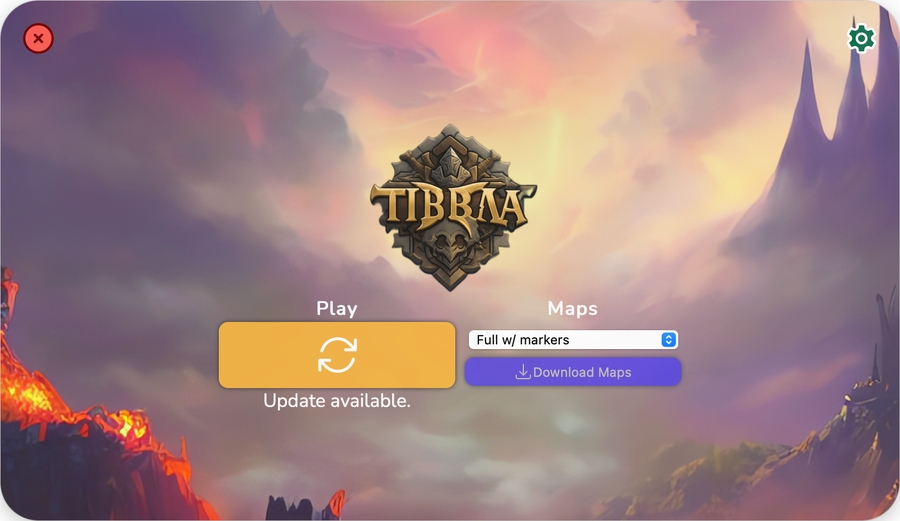
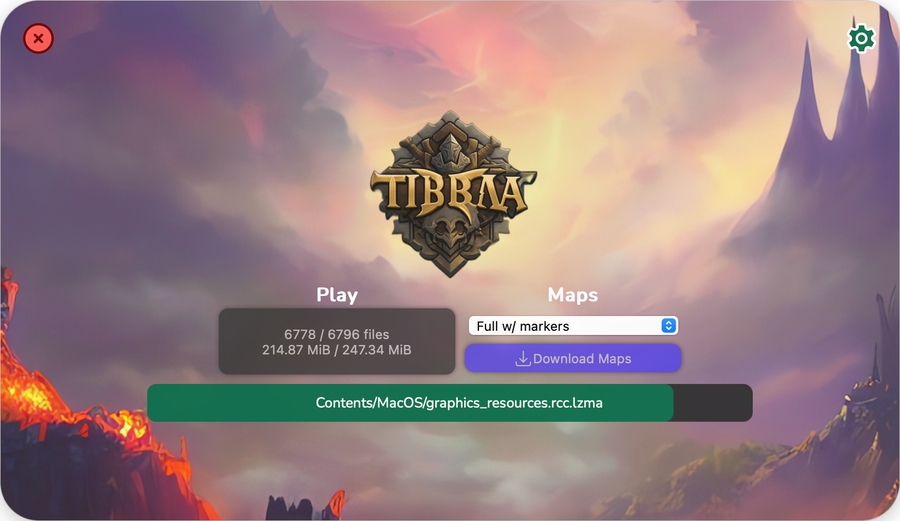
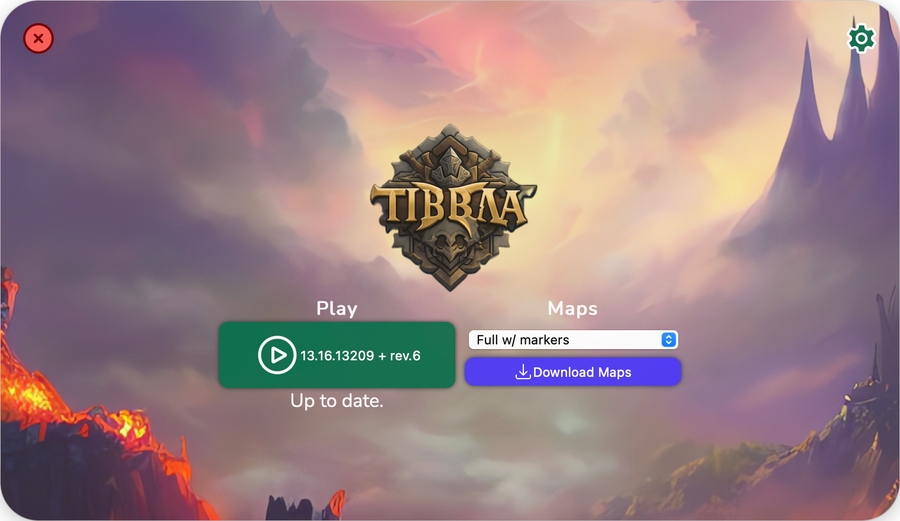
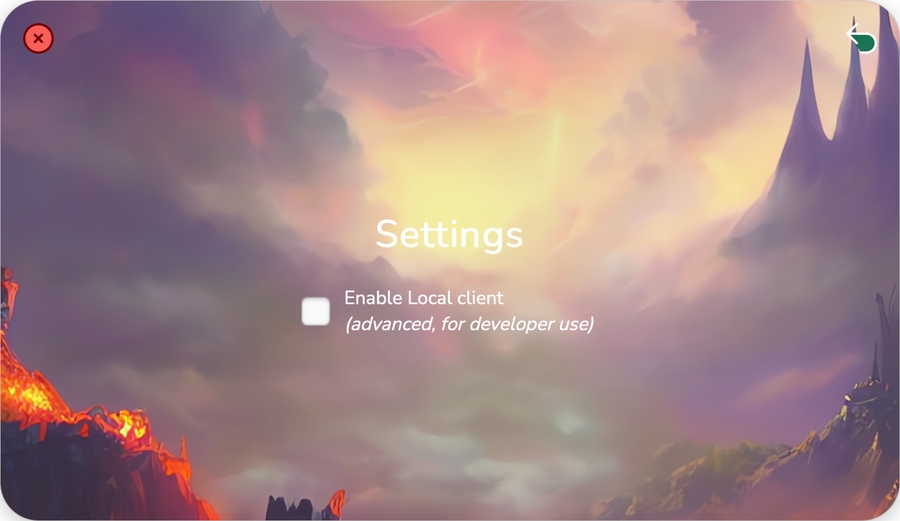
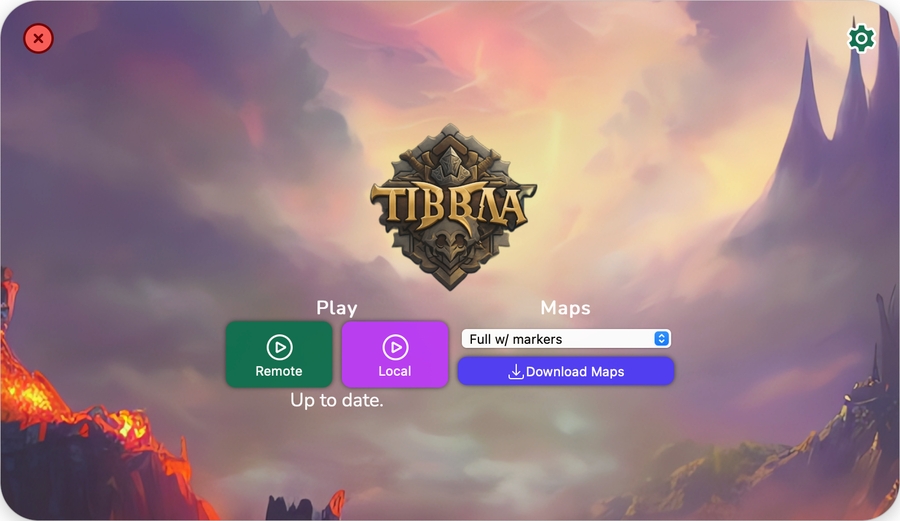
[Windows][Go] Compiling Slender Launcher Sources
1 - Requirements:
Client to repack.
Client Editor to edit and repack the client.
Github repository to upload the repacked client.
2 - Downloads Required:
Go: Download
Git: Download
Node.Js: Download
Wails: Execute the following command in Powershell:
go install github.com/wailsapp/wails/v2/cmd/wails@latestClient: Download
3 - Client Editor:
Extract and save the client editor in a folder.
Example:
C:\client-editorEdit your client using Client Editor following this tutorial:
4 - Client Editor Repacker:
Repack a existing client with Client Editor to use with Slender Launcher.
Before repacking, go to your client folder:
Rename
package.jsontoclient.json.Open PowerShell;
Go to the client editor directory (cd command).
Example:
cd C:\client-editorRun the command:
Copy
Example:
Copy
After that, the client is repacked.
5 - Slender Launcher Sources:
Download Slender Launcher sources with the command below in Powershell:
cd C:\
git clone --recursive https://github.com/luan/slender-launcher.git
Open main.go and find for baseURL:
baseURL := "https://raw.githubusercontent.com/luan/tibia-client/main/"Change the baseURL for your client repository link, example:
baseURL := "https://github.com/your-user/your-client-name/tree/main"
6 - Compiling Slender Launcher Sources:
Execute the following command in Powershell:
wails build
After compiling, put the executable in the repacked client folder.
Upload the repacked client to your repository.
7 - How to update the client:
Update a file and commit to the repository.
The Slender Launcher only downloads files that need updating instead of a whole package. This makes it very fast and efficient. It also makes it so the client can receive updates without any risk of overriding user settings.
The launcher itself also updates automatically, so you don't have to worry about it. All you need is to have the URL serving the launcher also have the following files alongside the client.
Atualizado